Sample edit
Cut the pause and add captions
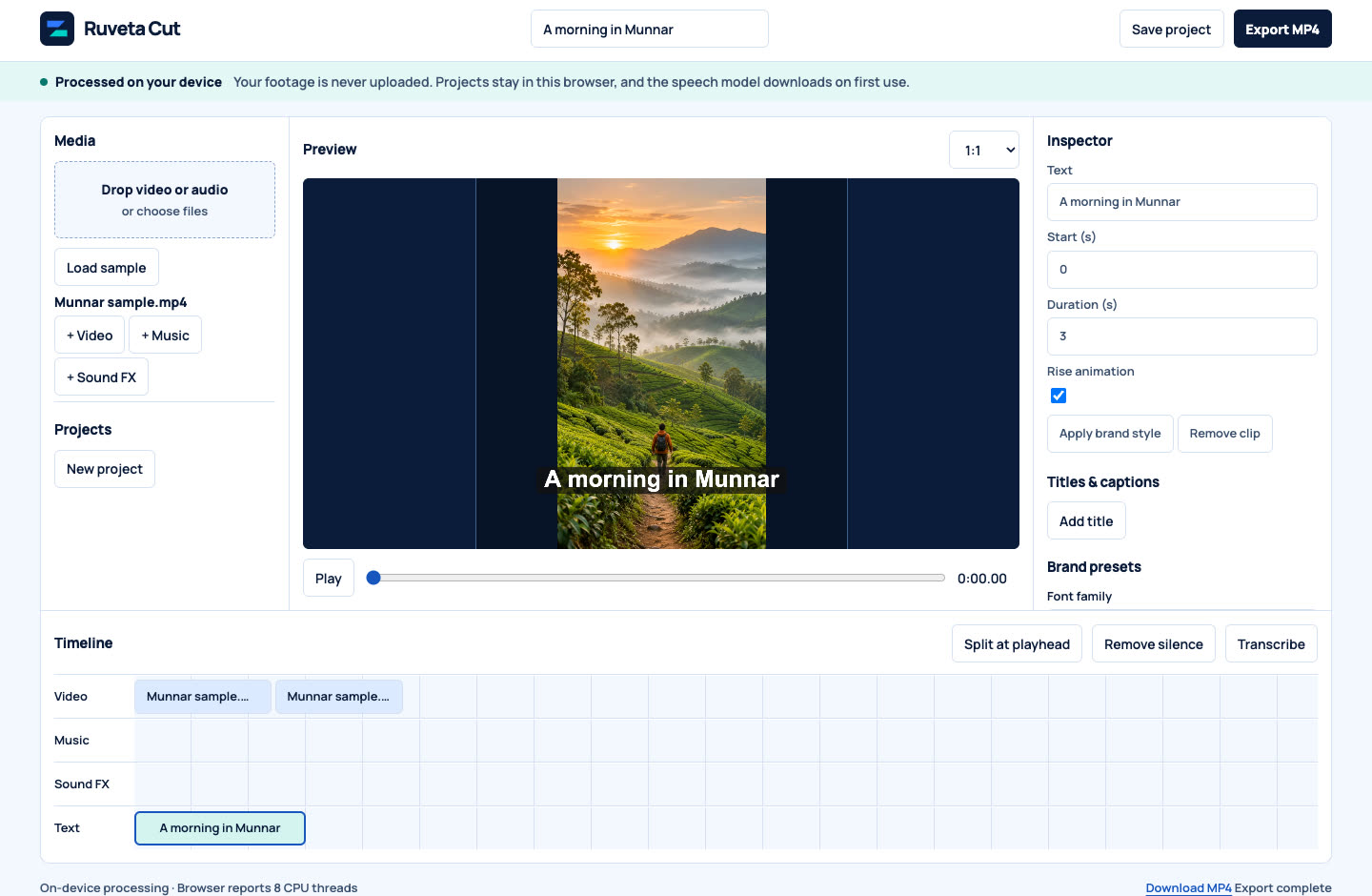
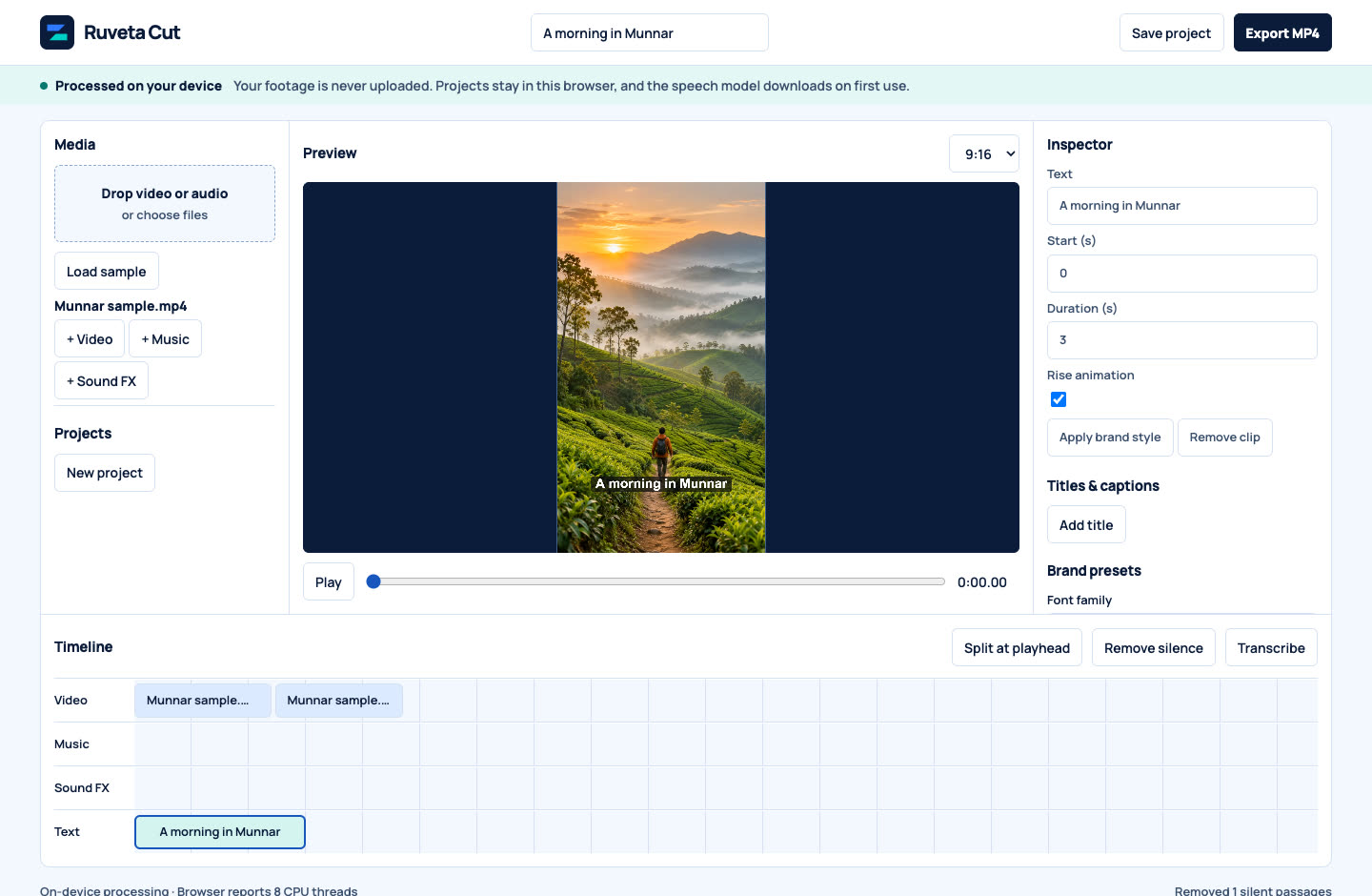
The editor detected the pause and split the footage into two clips. We saved the edit, reopened the project, and checked the caption in the vertical preview.
Ruveta’s second product · Free to use
Trim pauses, style captions, and mix audio for Reels, Shorts, and talking-head videos. Ruveta Cut processes your footage on your computer.
FFmpeg handles video editing and exports in your browser. A Whisper model transcribes speech on your device. Projects and media are saved in your browser.
Yes. Edit the text and timing on the timeline, then apply a font and color or reuse a brand preset.
Export an MP4 in 9:16, 16:9, 4:5, or 1:1.
Open the editor in your browser. The first time you transcribe a clip, the browser downloads the English speech model.
We tested the editing workflow with a short travel demo made from a generated image of Munnar, with synthesized narration and a deliberate pause.
Sample edit
The editor detected the pause and split the footage into two clips. We saved the edit, reopened the project, and checked the caption in the vertical preview.
Export verification
We exported the same edit in 9:16, 16:9, 4:5, and 1:1. FFprobe confirmed the dimensions and H.264 video with AAC audio. FFmpeg decoded each file without errors.