Batch conversion
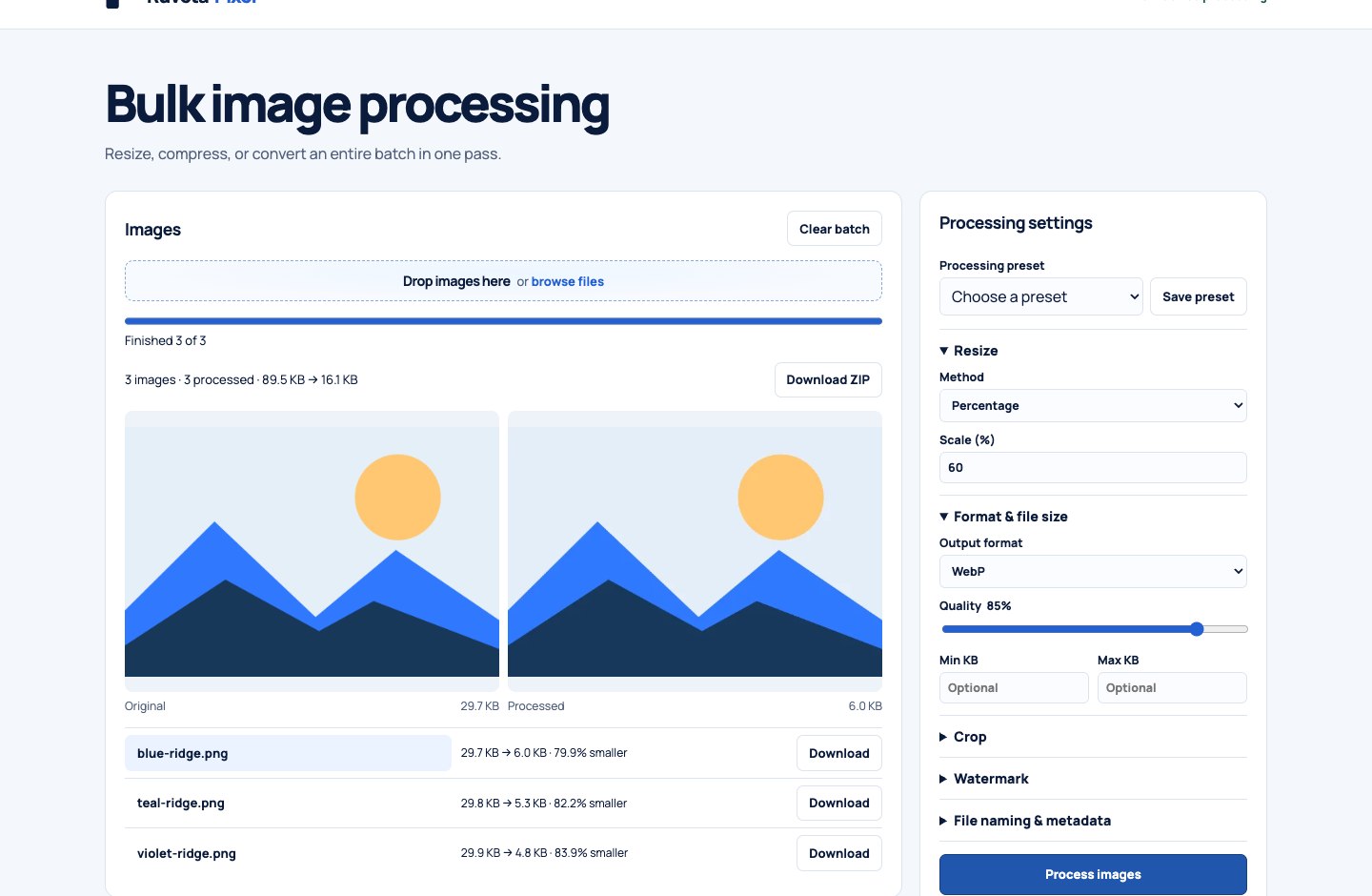
Resize three images and convert them to WebP
We applied a 60% scale to three PNGs in one batch. All three finished, and Pixel showed the original and processed previews, file sizes, and percentage changes.
Ruveta’s third product · Free to use
Resize, compress, and convert a batch of images in your browser. Compare the results before you download them. The original files stay on your device.
Your browser processes the images on your device. It creates separate output files and strips metadata from them.
Yes. Select the Exam photo / signature preset and enter the pixel dimensions and KB limits from your exam notice. Process the photo and signature separately if their requirements differ.
Yes. Crop and resize a batch, add text and image watermarks, rename files, and choose an output format in one pass.
Ruveta Pixel tries lower quality for JPG, WebP, and AVIF when the output exceeds your maximum. It flags a file if it still falls outside the range and continues processing the batch.
We used generated sample images to test two workflows in the live browser app.
Batch conversion
We applied a 60% scale to three PNGs in one batch. All three finished, and Pixel showed the original and processed previews, file sizes, and percentage changes.
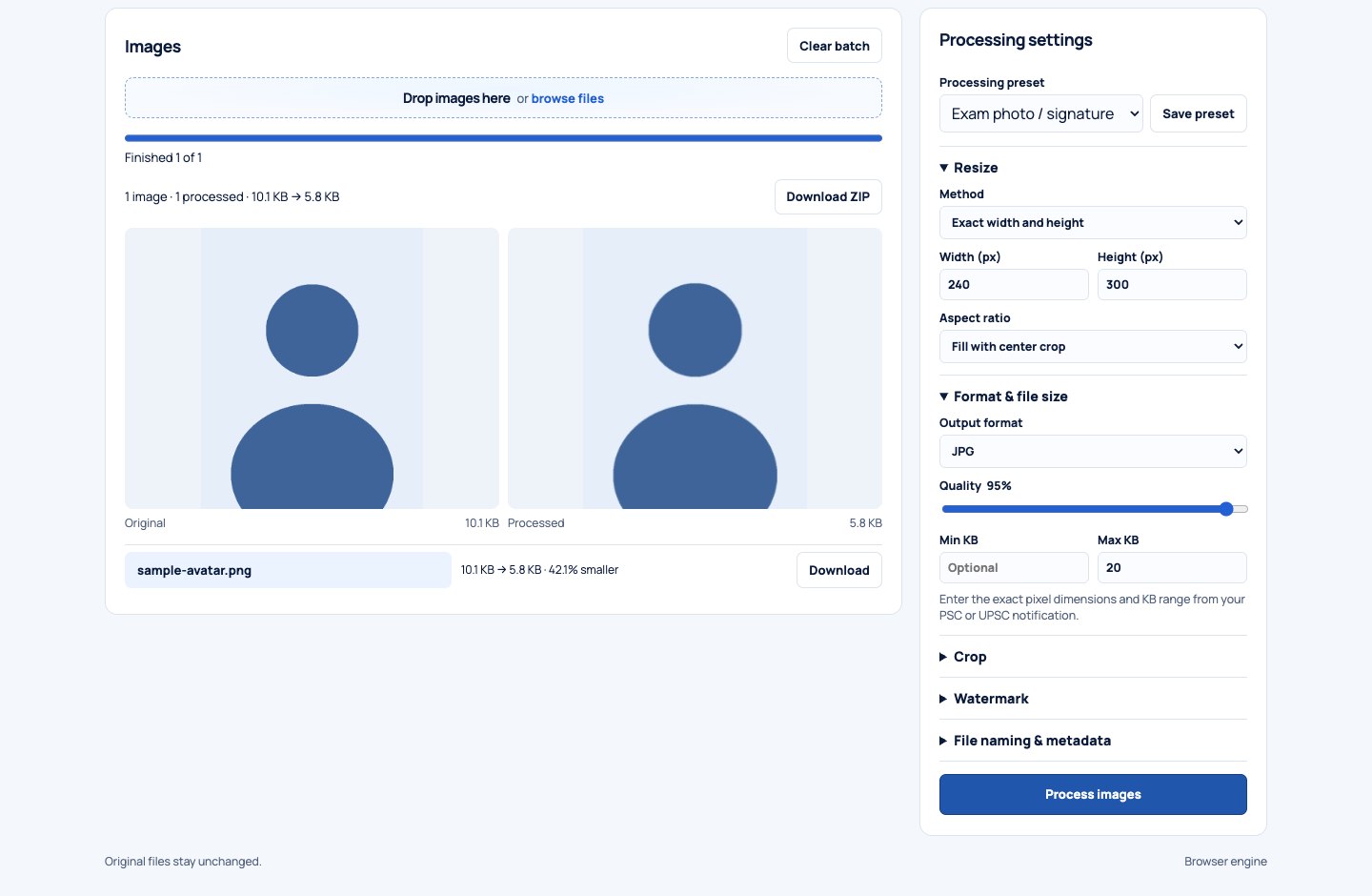
Exam application example
We entered 240 × 300 pixels and a 20 KB maximum, then processed a sample avatar. The JPG came out at 5.8 KB. These are example settings. Use the dimensions and file-size requirements in your own PSC or UPSC notice.